Beginner
Beginner Guide
Learn the OnWebPS workspace, open your first image, crop with purpose, add simple text, adjust color, and export a clean finished file.
Tutorial center
Follow twenty practical OnWebPS guides for layers, filters, selections, retouching, privacy edits, product images, social thumbnails, and clean browser exports.
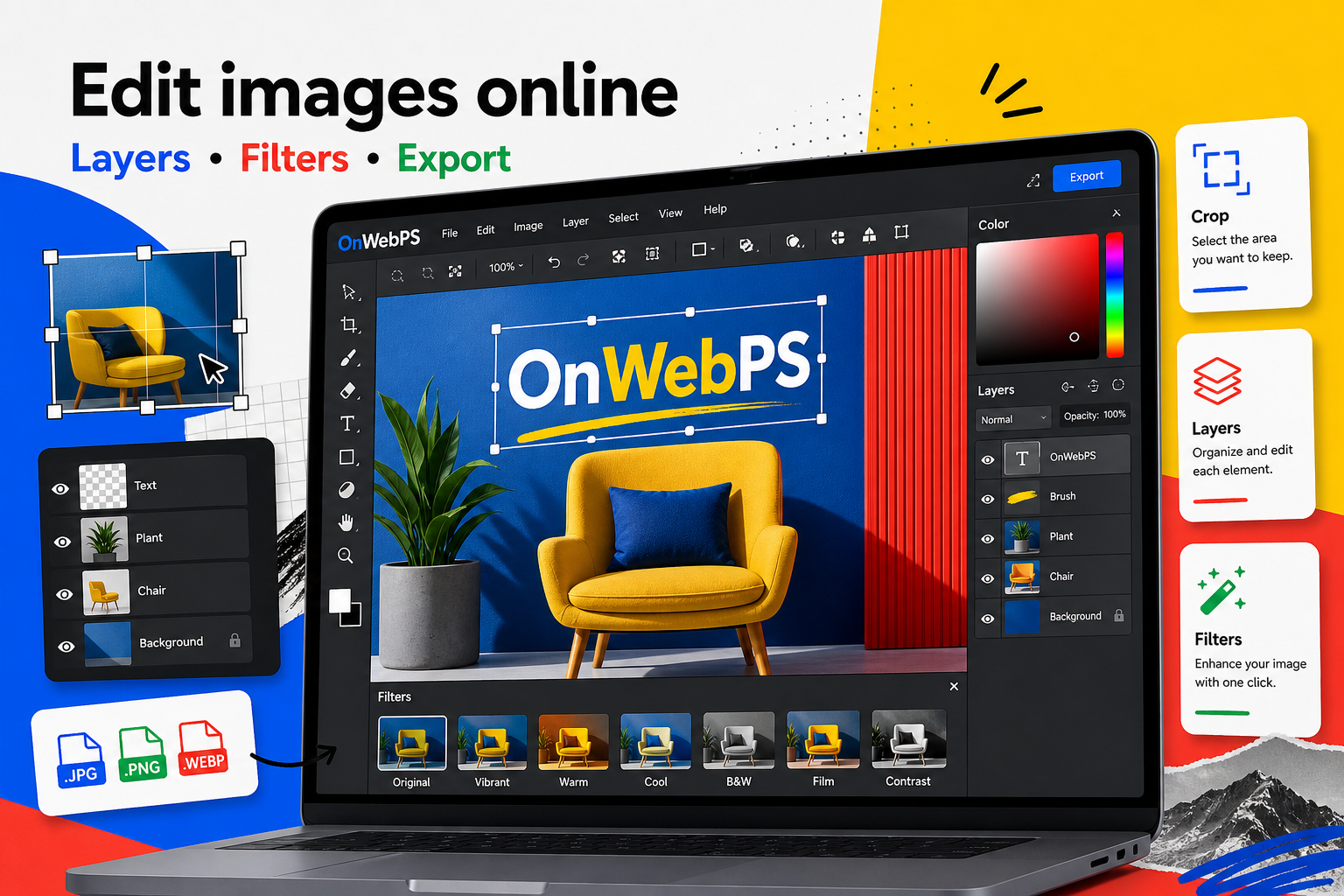
Original learning library
Each article focuses on a real editing job: crop an image, remove a background, protect private information, repair a product photo, build a thumbnail, or export a fast web asset.
Learning library
Learn the OnWebPS workspace, open your first image, crop with purpose, add simple text, adjust color, and export a clean finished file.
Use layers, opacity, blending, filters, text, and shapes to build edits that remain flexible and easy to revise.
Plan advanced edits, refine selections, repair distractions, match light and color, composite subjects, and run final quality checks.
Learn how to crop for composition, resize without distortion, and prepare images for article covers, product cards, and social previews.
Use selection tools to remove simple backgrounds, clean edges, and export a transparent PNG for products, profile images, and design assets.
Create readable text overlays for posters, thumbnails, announcements, and product graphics while keeping the image clean.
Prepare product images by straightening, cropping, cleaning distractions, balancing color, and exporting fast-loading files.
Crop a portrait for a clean ID-style image, align the head, adjust brightness, and create a simple background color.
Hide names, addresses, license plates, screenshots, and faces with careful blur or mosaic effects while keeping the image understandable.
Use filters, brightness, contrast, saturation, and sharpening in a controlled workflow that keeps people and products believable.
Resize images for web use while preserving proportions, avoiding softness, and keeping faces, logos, and products accurate.
Prepare transparent graphics, remove unwanted backgrounds, test edges, and export PNG assets for websites, videos, and presentations.
Turn one photo into a readable social thumbnail with crop, overlay, headline text, color accents, and web-friendly export.
Remove dust, scratches, small distractions, and background marks by sampling nearby texture and working in controlled passes.
Build a clean collage by setting canvas size, importing several images, aligning layers, adding spacing, and exporting a polished layout.
Choose between PNG, JPG, and WebP, reduce unnecessary dimensions, and prepare images that look good without slowing pages down.
Correct flat, dark, or color-shifted images with a simple order: exposure, contrast, color balance, saturation, and final review.
Speed up browser editing with practical habits for zooming, undoing, saving versions, switching tools, and avoiding common mistakes.
Solve common issues such as wrong layer edits, invisible selections, slow files, blurry exports, missing transparency, and unreadable text.
Combine cropping, color correction, layers, labels, privacy checks, and web export into one repeatable workflow for article images.