Powerful tools
Work with layers, selections, text, shapes, brushes, filters, color correction, transforms, and export options in one browser workspace.
About OnWebPS
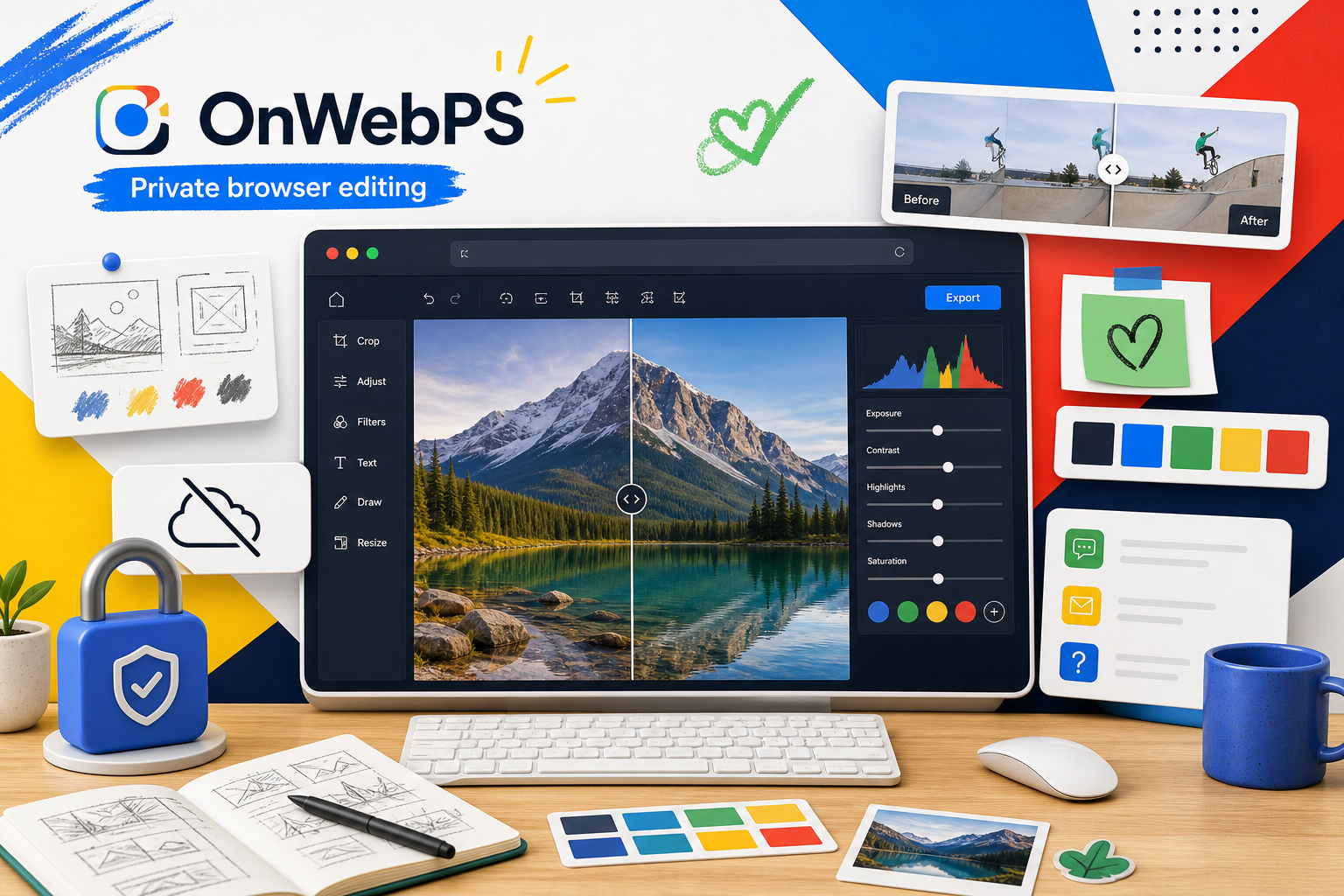
OnWebPS gives creators a fast, private way to edit images online with layers, filters, drawing tools, exports, and no heavy desktop install.
Our mission
OnWebPS is built for people who need capable image tools without waiting for a download, opening a large desktop app, or paying before they can make a simple edit.
The editor runs directly in modern browsers and focuses on everyday creative work: quick corrections, layered compositions, social media graphics, teaching materials, thumbnails, and lightweight production tasks.
Why choose OnWebPS
Work with layers, selections, text, shapes, brushes, filters, color correction, transforms, and export options in one browser workspace.
Image editing happens in your browser. Your files do not need to be uploaded to a server just to crop, adjust, or export them.
Open the editor from a modern browser and start working. It is useful on shared devices, school computers, and quick production sessions.
The interface follows familiar image-editing patterns, so beginners can start quickly while experienced users still get real control.
Core features
Technology
OnWebPS uses HTML5 Canvas, JavaScript, and modern browser APIs to keep editing responsive and accessible without a native application.
Explore tutorialsOur story
OnWebPS grew from a simple idea: common image work should be available from anywhere, without forcing users into a complex setup before they can begin.
We continue to improve the product around practical user needs: clearer tutorials, more reliable tools, better performance, and a more comfortable editing experience.
Contact and support
Tell us what you are trying to create and where the editor can be clearer or more useful.
Email: [email protected]
Documentation: tutorials and article guides are available in the learning center.